
Download Xbox 360 Controller Emulator – Gamepad Compatibility, PC Gaming, Controller Mapping, x360ce
Overview
The Xbox 360 Controller Emulator, known as x360ce, serves as a critical utility for PC gamers using non-Xbox 360 gamepads. Many modern PC games are designed to recognize only the native Xbox 360 controller format, which often excludes popular third-party controllers from brands like Logitech, Speedlink, and Thrustmaster. This compatibility gap can prevent these devices from being recognized at all, even when properly connected. The emulator resolves this issue by disguising the user’s actual gamepad as an Xbox 360 controller at the system level, enabling seamless integration with supported titles. It is particularly beneficial for gamers who own high-performance or specialized controllers that lack native support in certain games.
Target users include PC gamers, retro enthusiasts, and anyone using non-standard gamepads with modern titles. The tool is especially valuable in scenarios where game developers limit controller support to a single input profile. Although the developer did not provide additional technical details about the project’s origins, x360ce has established itself as a reliable solution within the PC gaming community. Its real-world use cases span from playing indie titles to running AAA games that only accept Xbox 360 input signals. In the broader app ecosystem, it fills a niche gap in input device compatibility, offering a lightweight yet powerful workaround for hardware limitations.
Key Features & Functionality
- Controller Emulation: Transforms any USB gamepad into a virtual Xbox 360 controller, ensuring compatibility with games that only support the native Xbox 360 format.
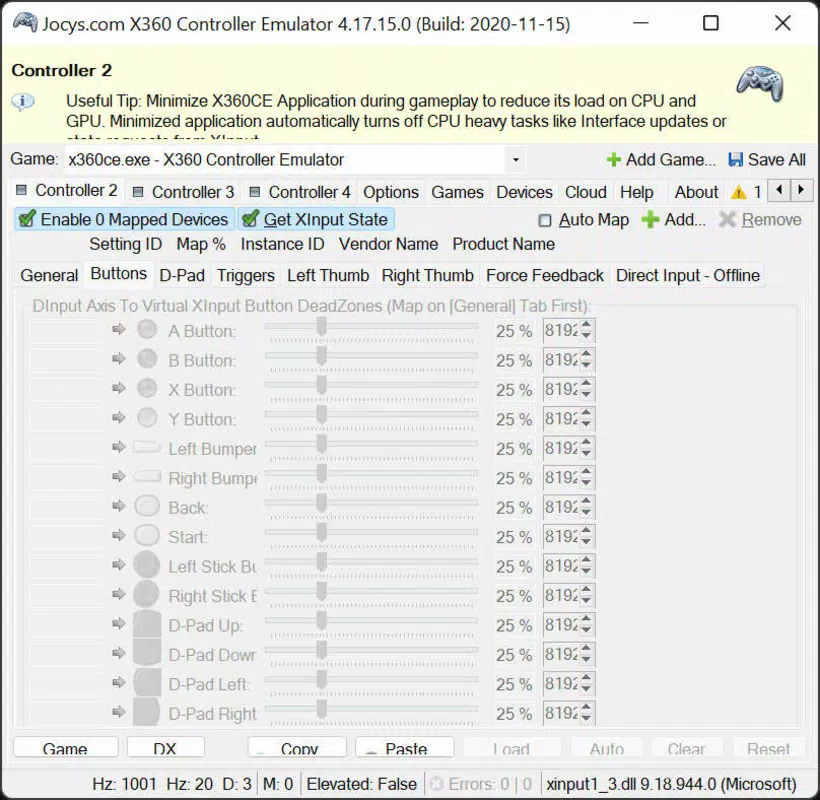
- Custom Input Mapping: Allows users to reassign buttons and axes to match desired configurations, enabling personalized control schemes.
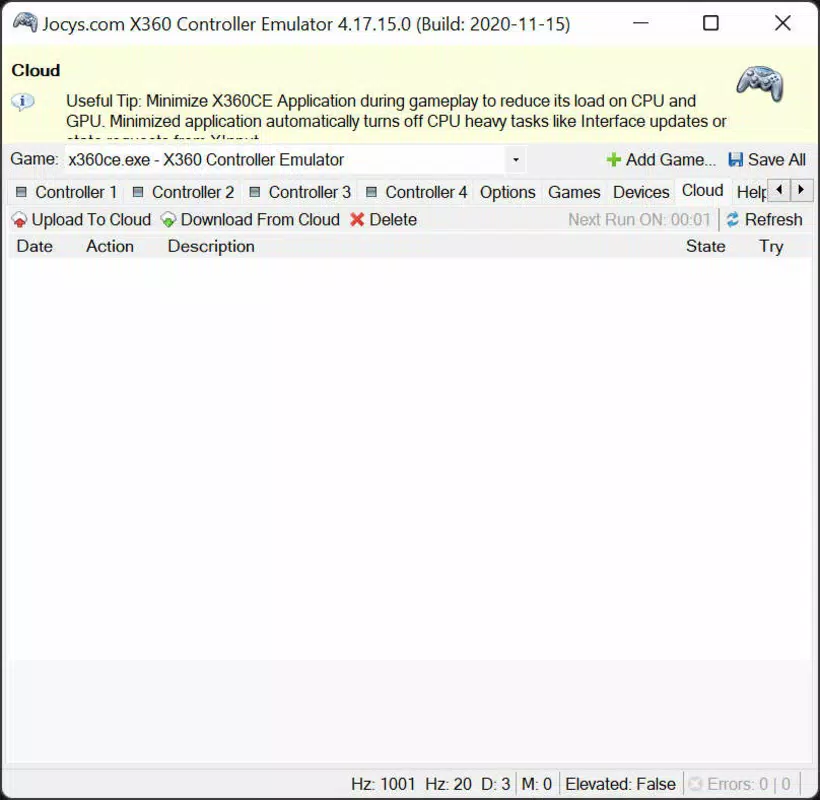
- Configuration File Management: Supports loading and saving configuration files, including the ability to download pre-made setups from community resources.
- Real-Time Testing: Provides an interface to test all inputs immediately, verifying correct functionality before launching a game.
- Automatic Driver Detection: Once the executable is placed in the game’s directory, the emulator attempts to detect and apply the correct driver profile upon launch.
For example, a user with a Thrustmaster controller can copy the x360ce file into the game’s folder, launch the game, and if the system emits a Windows alert sound, the emulation is active. This real-time feedback helps confirm successful integration. Users can also fine-tune controls within the emulator’s interface, adjusting dead zones, sensitivity, or button assignments.
The ability to import community-made configurations significantly reduces setup time for popular games. This feature is particularly useful for users unfamiliar with low-level input mapping. Overall, the emulator provides a practical, efficient solution to a widespread issue in PC gaming.
Interface, UX & Performance
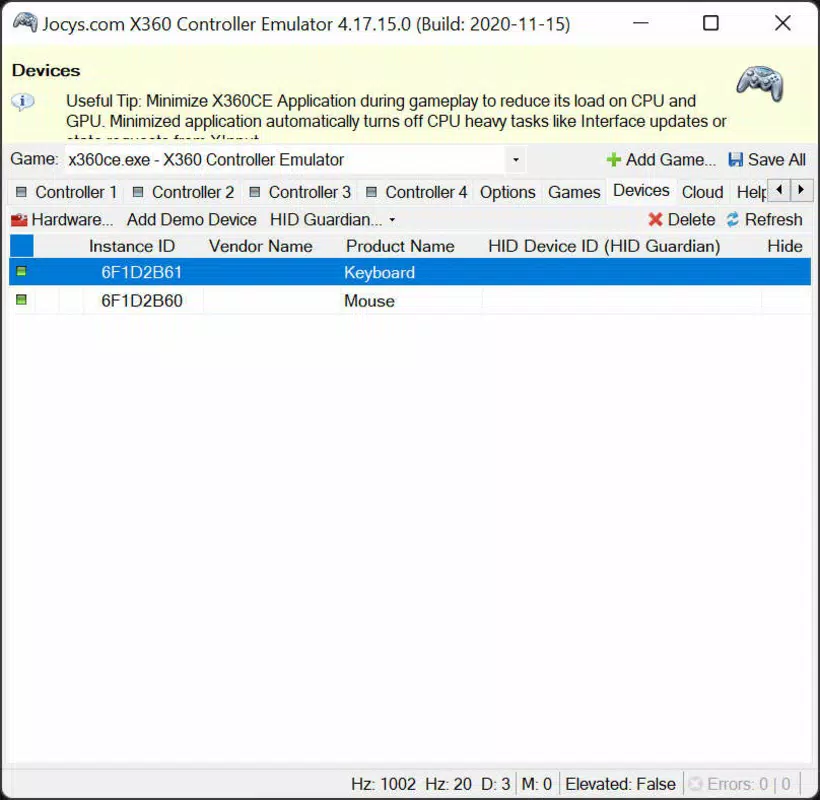
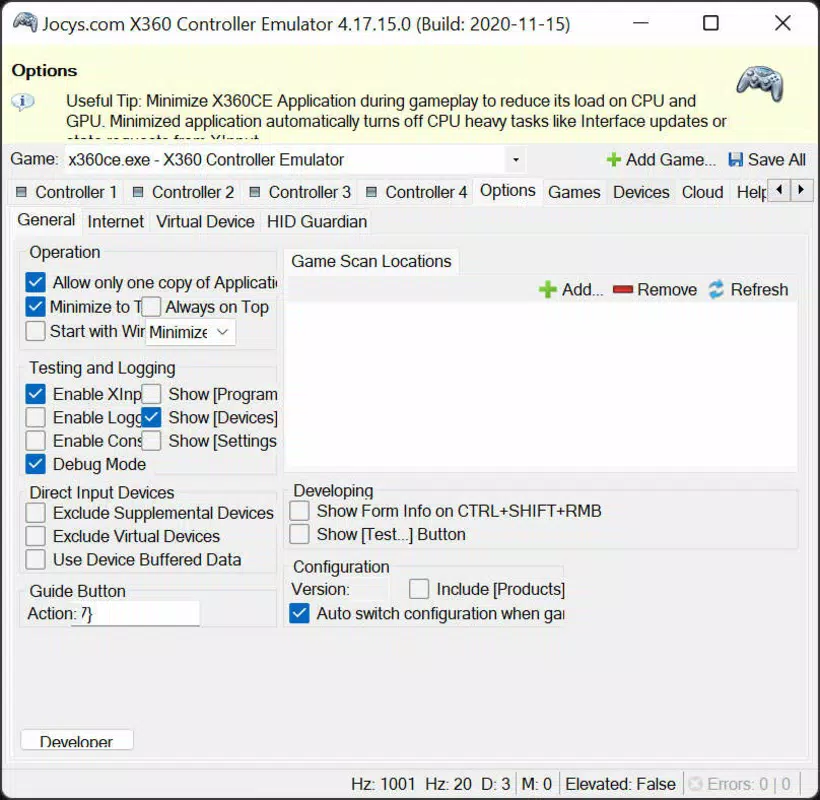
The interface of x360ce is described as having a "cumbersome" layout with multiple tabs, but it remains functional and accessible. The main window displays input status, mapping options, and configuration controls. Navigation is linear and consistent, with clearly labeled sections for each control type. While the design is not modern or minimalist, it prioritizes functionality over aesthetics, which aligns with its utility-focused purpose. The application is lightweight and does not consume significant system resources, making it suitable for use on a wide range of Windows systems.
Although the developer did not list formal performance metrics, the tool operates efficiently during game launches and maintains stability during extended play sessions. Responsiveness is consistent, with minimal lag between input and game response. The emulator runs in the background and does not interfere with game performance.
Stability appears reliable across different hardware configurations, though specific requirements were not listed. Users report that the tool works consistently when properly configured. The lack of a graphical setup wizard is a minor inconvenience, but the straightforward process of copying the file into the game directory and launching the game mitigates this.
Overall, the user experience is practical and effective, despite the outdated visual design.
Platform Compatibility & Technical Requirements
x360ce is designed for the Windows platform and operates on various versions of the operating system, though specific requirements were not listed. The application is compatible with both 32-bit and 64-bit Windows environments, as it is distributed as a standalone executable. The file size is 3.4 MB, indicating a lightweight footprint that does not burden system storage. The current version is 3.1.0, released on April 15, 2024.
Users are advised to place the x360ce executable in the same directory as the game’s main executable file. No installation is required, making it portable and easy to manage across multiple game installations. The tool does not require administrative privileges to run, though some games may need elevated access for full controller functionality. Compatibility information was not fully disclosed, so users should verify support on a case-by-case basis. The developer did not specify minimum OS requirements, so users are encouraged to test the tool on their system before relying on it for critical gameplay.
Pros and Cons
Pros
- Free to download and use with no hidden costs.
- Enables compatibility with games that only support Xbox 360 controllers.
- Supports a wide range of third-party gamepads from major brands.
- Lightweight and portable—no installation required.
- Offers customizable input mapping and configuration file support.
- Community-driven configuration database reduces setup time.
Cons
- Interface is outdated and may appear cluttered to new users.
- Requires manual placement of the executable in game folders.
- Some games may still not recognize the emulated controller without additional configuration.
- Developer did not provide detailed technical specifications or system requirements.
- No built-in tutorial or guided setup for beginners.
FAQ
Is x360ce safe to use?
Yes, x360ce is a legitimate utility used by many PC gamers. It is a standalone executable that does not install system drivers or modify core OS files. However, users should download it only from trusted sources to avoid malware.
Does x360ce work with all games?
While it works with the majority of PC games that support Xbox 360 controllers, some titles may require additional configuration or may not support it at all. In such cases, users can search online for community-made configurations.
Can I use x360ce with multiple games?
Yes, the tool is portable and can be used with multiple games. Simply copy the x360ce file into each game’s directory and configure it as needed.
Do I need to install x360ce?
No, x360ce is a portable application. It runs directly from the game’s folder without requiring installation or system changes.
Is x360ce compatible with all gamepads?
It supports most USB gamepads that are recognized by Windows. However, compatibility depends on the game’s input system. Devices from Logitech, Speedlink, and Thrustmaster are known to work well with the emulator.
Final Thoughts
x360ce stands out as a reliable, free solution for overcoming controller compatibility issues in PC gaming. Its ability to emulate an Xbox 360 controller makes it indispensable for users with non-standard gamepads. Despite its outdated interface and lack of formal documentation, the tool delivers consistent performance and a high degree of customization.
Gamers who value control flexibility and hardware versatility will benefit most from this utility. It offers a practical, no-cost way to expand gaming options across a wide range of titles. For anyone facing input recognition problems, x360ce is a proven and effective fix.
Download Xbox 360 Controller Emulator now.


